
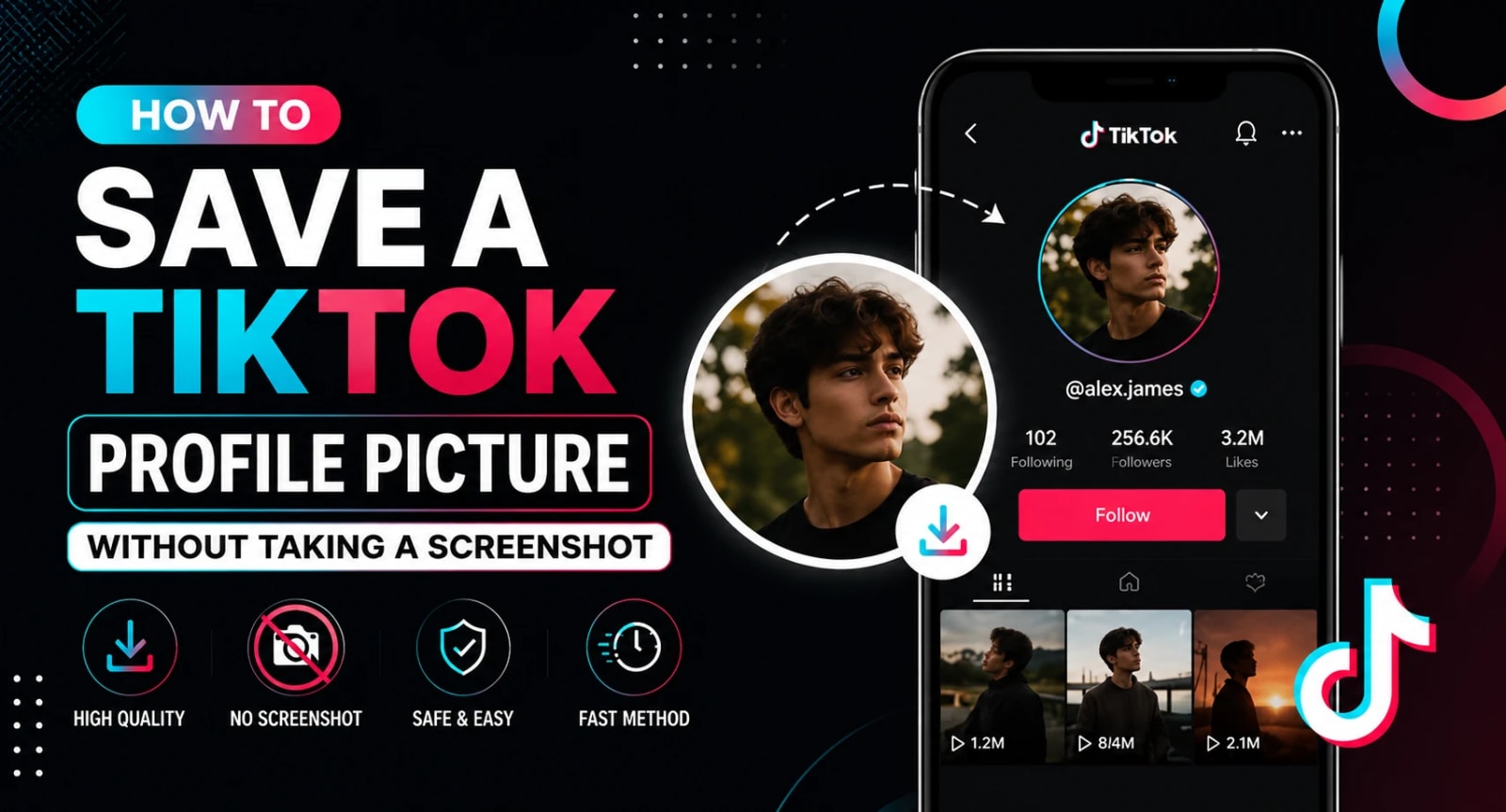
TikTok does not give you a built-in way to save someone's profile picture. There is no download button, no long-press option, and no obvious path to get the full-size image off the app. The only thing most people try is a screenshot, and screenshots create their own problems.
A screenshot of a TikTok profile picture (also called a TikTok DP or TikTok avatar by many users) captures the image at whatever size it appears on your screen, which is small. It also picks up everything around it, the username, the follower count, the background, and what you end up with is a cropped, low-resolution version of a photo that was originally much larger. For anything beyond personal reference, that quality just does not hold up.
This guide covers four clean ways to save a TikTok profile picture without taking a screenshot, including the fastest method that works directly from a browser with no extra steps.
Why Screenshots Fall Short for TikTok Profile Pictures
Before getting into the methods, it helps to understand why screenshots fail specifically for TikTok profile pictures and why the problem is worth solving properly.
TikTok displays profile photos at around 200 by 200 pixels in the app. The original uploaded image is significantly larger, often 720 by 720 pixels or higher, but the app compresses and scales it for display. When you take a screenshot, you are capturing the compressed display version, not the original file. That means you start with a small, already-compressed image and then crop it further to remove everything around it.
The result is blurry, pixelated, and unsuitable for anything that requires a clean image, brand reference files, media kits, competitor research, or creative inspiration work. A proper TikTok profile picture download goes directly to the source image, not the display version.
Method 1: Use a TikTok Profile Picture Downloader Tool (Fastest)
The cleanest and fastest way to save a TikTok profile picture is to use a dedicated downloader tool that retrieves the original image directly from TikTok's servers.
TokBoostly's free TikTok profile picture downloader does exactly this. Here is how it works:
Open TikTok and find the profile you want
Copy the username or the full profile URL from the address bar
Go to the downloader tool and paste the username or URL into the input field
Tap Get Profile Picture
Preview the full-size image that appears
Tap the download button to save it to your device
The entire process takes about thirty seconds. No TikTok login is required, no app download is needed, and the image saved is the highest resolution version available for that profile, not a compressed display version.
This method works on both mobile and desktop browsers, which makes it useful whether you are doing quick research on your phone or putting together a reference document on a laptop. It's the same approach that works for a TikTok avatar download or a TikTok DP save - the tool pulls the original file regardless of what you call it.
Method 2: Access the Profile Through a Browser Instead of the App
TikTok profiles are publicly accessible through any web browser at tiktok.com. When you view a profile in a browser rather than the app, the profile picture loads as a standard image file that browsers can interact with in ways the app does not allow.
Here is how to use this method on desktop:
Go to tiktok.com in your browser
Navigate to the profile you want
Right-click on the profile picture
Select Open image in new tab or View image
The image opens at full size in a new browser tab
Right-click again and select Save image as to download it
On mobile browsers, the process is slightly different. After opening the image in a new tab, press and hold it until the save option appears. This method works well on desktop and gives reasonably good results on mobile, though the dedicated downloader tool in Method 1 is more reliable for consistently getting the highest resolution version.
Method 3: Inspect the Page Source on Desktop
If you want to go directly to the source image URL without any extra tools, browser developer tools give you that access. This method is more technical but works on any public TikTok profile.
Open the TikTok profile in a desktop browser
Right-click on the profile picture and select Inspect
The developer tools panel opens, usually with the image element highlighted
Look for a URL in the highlighted code that ends in .jpg, .png, or .webp and contains the word "avatar" or "photo"
Copy that URL and open it in a new browser tab
The full image loads and can be saved with a right-click
This method gives you the direct source URL for the image, which is the same file the mostly downloader tools use in the background. The downside is that image URLs from TikTok sometimes include expiry tokens, meaning the URL may stop working after a certain period. Downloading the image immediately avoids that problem.
When to Use Each Method
Each method suits different situations. Here is a quick guide:
For personal reference, brand research, or quick inspiration work, the dedicated downloader tool is the fastest and most reliable option. It handles the technical side automatically and consistently returns the highest resolution version available.
For desktop users who prefer not to use third-party tools, right-clicking in a browser or inspecting the page source are both solid options that require nothing beyond what is already on your computer.
For professional or collaborative contexts, asking the account owner directly is the cleanest approach and avoids any ambiguity about appropriate use.
A Note on Using TikTok Profile Pictures Responsibly
Downloading a profile picture does not transfer ownership or rights to the image. TikTok profile photos are often protected by copyright, privacy law, or both. The fact that an image is publicly visible does not automatically make it free to use for any purpose. TikTok's own Terms of Service outline what counts as acceptable use of content found on the platform, and it's worth a quick read if you plan to use downloaded images beyond personal reference.
The safest uses are downloading your own profile picture as a backup, saving reference images for personal inspiration, or accessing images where the owner has given clear permission for your specific use. Using someone else's profile picture to represent them, impersonate them, or claim their identity in any form is not appropriate and can have real legal consequences depending on the jurisdiction and context.
For a broader look at how your profile picture fits into your overall TikTok presence, the top TikTok profile picture ideas for creators and brands guide covers what actually makes a TikTok profile picture work at small sizes and what the most recognizable accounts on the platform do differently.
Frequently Asked Questions
Can I save a TikTok profile picture without an app or login?
Yes. The browser-based downloader tool and the right-click browser method both work without any app download or TikTok login.
Will the downloaded image be high resolution?
The downloader tool retrieves the highest resolution version available through TikTok's public profile data. This is typically significantly larger and sharper than anything captured through a screenshot.
Does this work for private TikTok accounts?
No. These methods only work for public profiles where the account information is accessible. Private accounts restrict profile data access, so no downloader or browser method can retrieve their images.
Why does my downloaded profile picture look different from what I see in the app?
TikTok compresses and resizes images for in-app display. The downloaded version from a dedicated tool reflects the original upload rather than the display-optimized version, which is why it often looks cleaner and sharper than what appears in the app itself.
Can I download my own TikTok profile picture using these methods?
Yes. All of these methods work for your own profile as well, which is useful if you want a clean backup copy of your current profile image before making changes.