
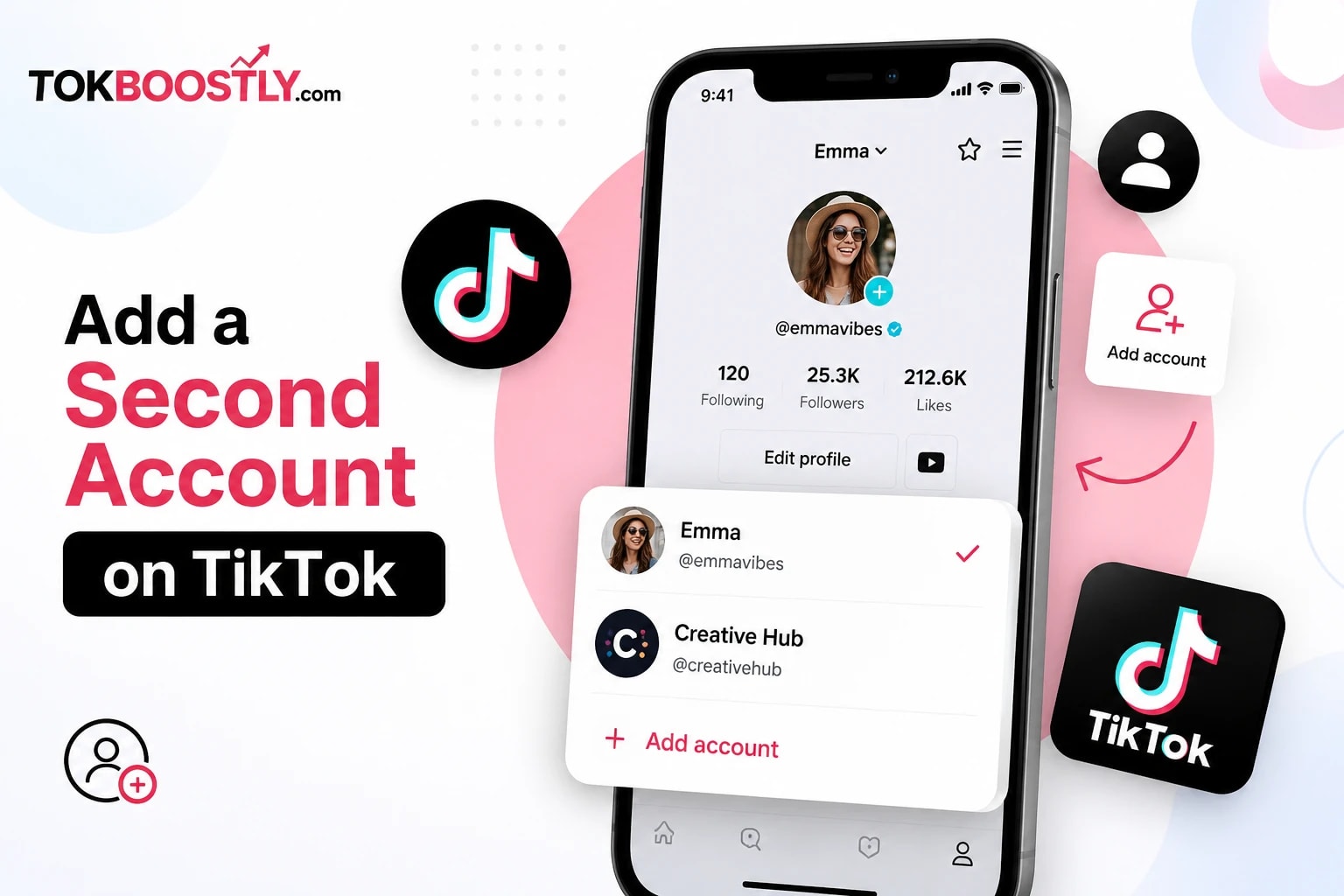
So you've been thinking about running two TikTok accounts. Maybe you want one for your personal life and one for your business. Maybe you're a creator who wants a separate space to experiment without messing up your main feed. Or maybe you just got curious after seeing a friend switch between two profiles mid-conversation and wondered, "wait, how did they do that?"
Whatever brought you here, learning how to add a second account on TikTok is genuinely one of the easiest things you can do on the app — once you know where to tap. The tricky part isn't the process itself. It's that TikTok's menus have shifted around a bit over the years, and a lot of the tutorials floating around online are outdated or just plain wrong.
This guide walks through everything: the exact steps, how many accounts you're allowed, how switching works, what to do if something goes wrong, and the mistakes that trip up almost everyone the first time they try this. By the end, you won't need to look anywhere else.
Quick answer: To add a second account on TikTok, open the app, tap your Profile icon, tap the menu icon, go to Settings and Privacy, select Add Account, then choose Create New Account and sign up with a phone number or email that's different from your first account. The whole process takes about two minutes.
Key Takeaways
Adding a second TikTok account takes less than five minutes and doesn't require deleting or logging out of your first one.
TikTok's built-in account switcher lets you manage several accounts on one device — most users can add up to five through the standard app.
Each new account needs its own phone number or email address; you can't reuse the same one twice.
Switching between accounts takes two taps once they're set up.
Running multiple accounts is completely against no rule, but spammy behavior between them can still get flagged.
Why Would You Need a Second TikTok Account?
There's no single "right" reason to run two accounts — people do it for all kinds of reasons, and most of them are pretty practical.
Content creators often keep a personal account for friends and family, separate from a public-facing account built around a niche. Small business owners use a second account to promote products without mixing that content into their personal feed. Some people just want a "test" account where they can post rough drafts, try new formats, or figure out what works before publishing to their main audience.
Then there's the more casual reason: some people simply want a private account that only close friends can see, alongside a public one anyone can follow. TikTok supports all of these use cases without much friction.
Here are a few real scenarios where a second account genuinely makes sense:
A fitness coach who posts client testimonials and workout tips on a business account, but keeps a separate personal account for family videos and vacation clips.
A student who runs a study-tips or productivity account under a niche username, separate from the account they use to keep up with friends.
A small online shop owner who wants a dedicated storefront-style account, complete with a link in bio and product showcases, without their personal posts diluting the brand feel.
A creator testing a new niche — say, moving from comedy skits into cooking content — who wants to build the new audience from scratch instead of confusing existing followers.
None of these require anything technical. They just require knowing that the option exists, which, if you're reading this, you now do.
Can You Have Two TikTok Accounts on One Phone?
Yes — and this is genuinely one of the most common questions people ask before they even try. TikTok has a built-in feature specifically designed for this. You don't need two phones, a second SIM card, or any kind of workaround. The app lets you add, save, and switch between multiple accounts right from your profile menu.
The only real requirement is that each account needs a unique phone number or email to sign up with. TikTok won't let you register two separate accounts with the exact same contact info.
How Many TikTok Accounts Can You Have?
This is where things get a little less clear-cut, because the number has shifted over time and different sources report slightly different limits. As of 2026, most users can add and manage several accounts directly through TikTok's built-in account switcher — commonly reported as up to five active accounts on a single device.
That said, TikTok updates these limits periodically, so it's worth checking directly in your app if you're planning to add more than two or three. If you hit a wall and can't add another account, that's usually the built-in cap kicking in, not an error on your end.
Pro tip: If you're managing accounts for multiple clients or brands professionally, TikTok's Business Center tool is built for exactly that — and it doesn't count against your device's personal account limit.
A quick note on why this number isn't set in stone: TikTok occasionally adjusts account limits as part of broader app updates, and the exact figure can also depend on your device, region, and app version. If you're someone who genuinely needs more accounts than the app allows — say, you're managing TikTok for five different small business clients — the built-in switcher probably isn't the right tool for the job anyway. That's what Business Center exists for.
What if you only need two accounts? Then none of this really applies to you. Two accounts fits comfortably within every limit TikTok has ever set, so you can follow the steps below without worrying about hitting a ceiling.
How to Add a Second Account on TikTok (Step-by-Step Guide)
Here's the part you actually came for. This works the same way whether you're on iPhone or Android — the layout is identical across both.
Step 1: Open the TikTok App
Start from your existing account. You don't need to log out or delete anything first.
Step 2: Go to Your Profile
Tap the Profile icon in the bottom right corner of the screen.
Step 3: Open the Menu
In the top right corner of your profile page, tap the three-line menu icon (sometimes called the hamburger menu).
Step 4: Tap Settings and Privacy
This opens the main settings panel where all your account controls live.
Step 5: Find "Add Account"
Scroll down and tap Add Account. You'll usually find this near the bottom of the settings menu, sometimes under "Manage Account."
Step 6: Choose "Create New Account"
TikTok will ask if you want to log into an existing account or create a brand-new one. Select Create New Account.
Step 7: Pick Your Sign-Up Method
You can sign up using:
Phone number
Email address
Apple ID
Google account
Facebook
Pick whichever is easiest for you — just remember it needs to be different from what your first account uses.
Step 8: Complete Verification
Depending on your sign-up method, TikTok will send a verification code by text or email, or confirm through your linked account (Apple, Google, or Facebook). Enter the code when prompted.
Step 9: Customize Your New Profile
Add a profile photo, username, and bio for your new account. This is also a good time to think about how this account's identity should feel different from your first one — same name and photo across both can get confusing fast.
Step 10: You're Set
Your second account is now live and saved to your device. You can switch to it anytime.
For the most accurate, up-to-date walkthrough straight from the source, TikTok's own Help Center covers account creation and management if you ever run into something this guide doesn't.
How Do You Switch Between TikTok Accounts?
Once you've got two (or more) accounts added, switching between them takes seconds.
Open the TikTok app.
Tap your Profile icon.
Tap your username at the top of the screen.
A dropdown will show all the accounts saved on your device.
Tap the one you want to switch to.
That's it — no re-entering passwords, no logging out first. TikTok remembers each account's login and lets you bounce between them instantly.
Pro tip: If you post frequently on both accounts, get in the habit of double-checking which one is active before you upload. It's an easy mistake to make, and it happens to almost everyone at least once.
One thing worth knowing: switching accounts doesn't log you out of the previous one. Both stay signed in on your device at the same time, which is exactly why the switch is instant instead of requiring a fresh login every time. This is different from, say, switching Google accounts on some apps, where you sometimes get bounced out of the first one. TikTok keeps everything running in the background so you can hop back and forth as often as you need throughout the day.
If you ever want to remove an account from the switcher without deleting it permanently, you can log out of just that one profile from the same menu, while keeping your other accounts active and signed in.
Do You Need a Different Phone Number or Email for Each Account?
Short answer: yes, in most cases. TikTok ties each account to a unique phone number or email address, and it won't let two active accounts share the exact same one. This is the single most common thing that trips people up when they try to add a second account.
Here's how to work around it depending on what you have available:
Use a personal email you don't check often. Most people have at least one old email account sitting around unused — that works fine for account number two.
Use your phone number for one account and email for the other. You don't need two phone numbers if you're only running two accounts. Sign up for the first with your number, the second with an email.
Ask your provider about a secondary number. Some phone plans offer a free secondary line, which some creators use specifically for account management. This is really only worth it if you're running three or more accounts.
Recover an old account instead of starting fresh. If TikTok tells you a number or email is "already in use," it might be tied to an account you forgot existed. Try the login/recovery flow before assuming you need brand-new contact info.
One thing to avoid: don't use disposable or temporary email services to get around this. TikTok's system is fairly good at flagging accounts created this way, and it can lead to those accounts getting restricted shortly after creation.
Personal vs. Business TikTok Accounts: Which Should Your Second One Be?
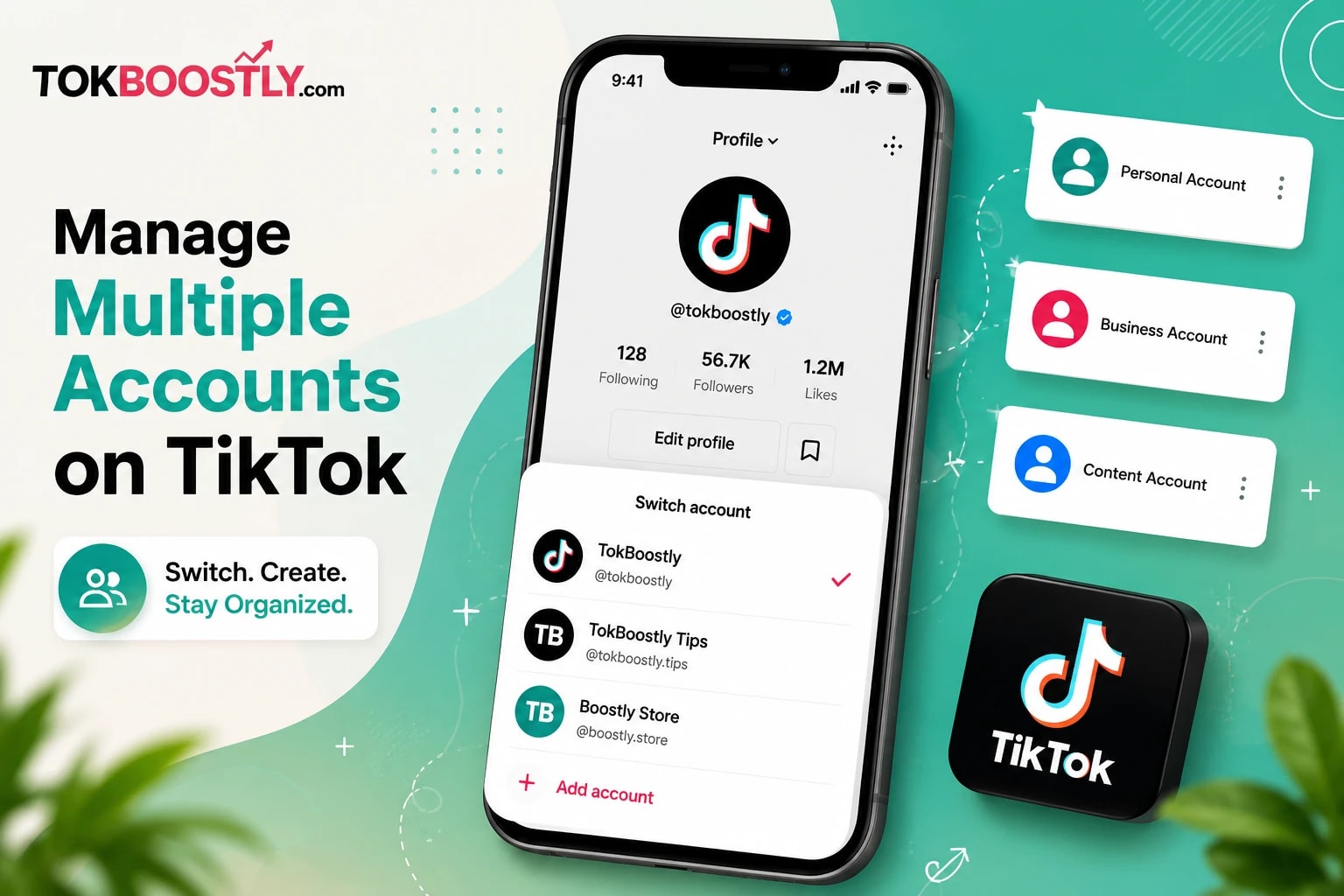
If your second account is for professional or brand purposes, consider switching it to a Business Account instead of keeping it as a personal one. Business accounts unlock analytics, contact buttons, and access to TikTok's ad tools — none of which are available on standard personal accounts.
You can find this option under Settings and Privacy > Account > Switch to Business Account, right after your new profile is created.
While you're setting up that second profile, it's worth spending a few extra minutes on your bio — it's often the first thing new visitors read before deciding whether to follow you. If you're not sure where to start, TokBoostly's free TikTok bio generator can help you put together something clean and on-brand in a couple of minutes, instead of staring at a blank text box.
Is It Safe to Use Multiple TikTok Accounts?
Yes, running more than one TikTok account is completely within the platform's rules. TikTok itself supports this through the built-in account switcher, so there's nothing inherently risky about having two or three profiles.
Where people run into trouble isn't the number of accounts — it's what they do with them. A few behaviors that can get accounts flagged:
Repeatedly liking or commenting on your own content from a second account to boost engagement
Creating accounts purely to follow/unfollow at scale
Posting identical content across accounts in a way that looks automated
Rapidly switching accounts on the same device in patterns that resemble bot activity
If you're just using a second account normally — posting real content, engaging like a regular user — there's no reason to worry.
What If You Can't Add Another Account?
Every so often, someone follows all the right steps and still gets stuck. Here's a troubleshooting table for the most common causes.
Problem | Likely Cause | Fix |
|---|---|---|
"Add Account" option is missing | Outdated app version | Update TikTok from the App Store or Google Play |
Verification code never arrives | Carrier delay or typo in phone number | Double-check the number, wait a few minutes, or try email instead |
"This number is already in use" | Number linked to an old or forgotten account | Use a different number, or recover the old account instead |
Can't add a 4th, 5th, or 6th account | Device account limit reached | Log out of an account you don't use, or use TikTok Business Center for extra profiles |
New account gets logged out randomly | App cache issue | Clear TikTok's cache in your phone settings, then reopen the app |
Switch account option not showing accounts | Accounts added but not fully synced | Force close and reopen the app |
Best Practices for Managing Multiple TikTok Accounts
Use different profile photos and bios for each account so you (and your followers) never mix them up.
Post consistently on both, even if one is lower priority — a dormant account looks abandoned fast.
Turn on notifications selectively. If you don't need alerts from your secondary account, mute them so your main account doesn't get buried in noise.
Keep your niches distinct. If both accounts post the same type of content to the same audience, you're really just splitting your own reach in half.
Review analytics separately if one account is business-focused — treat it like its own mini strategy, not an afterthought.
Set a realistic posting rhythm for each account before you start. Trying to post daily on two unrelated accounts burns people out fast. It's often better to post three times a week on both than to post daily on one and abandon the other after two weeks.
Use a content calendar that separates the two accounts visually. Even a simple spreadsheet with color-coded columns saves you from mixing up which video was meant for which profile.
Give each account time to find its footing before comparing them. A brand-new second account will naturally grow slower than an established main account, and that's normal — not a sign something's wrong.
Mistakes to Avoid When Running Multiple TikTok Accounts
Posting to the wrong account. This happens more than people admit. Always glance at your username before hitting publish.
Copy-pasting the same caption across accounts. It looks lazy, and TikTok's system can sometimes flag repeated identical content.
Forgetting which account you're logged into during a livestream. Going live on the wrong profile is an awkward mistake to walk back.
Overloading one device with too many accounts "just in case." More accounts than you can realistically manage usually means neglected, inactive profiles.
Ignoring your second account's engagement for months. If you're not going to actively run it, it's better to keep it simple than let it sit half-finished.
Pros and Cons of Having a Second TikTok Account
Pros | Cons |
|---|---|
Keep personal and professional content separate | Takes more time and effort to manage two profiles |
Test new content ideas without risking your main following | Easy to accidentally post to the wrong account |
Build a focused, niche-specific audience | Splits your engagement and content across two spaces |
Free and built directly into the TikTok app | Device account limits can restrict how many you run |
Useful for businesses managing multiple brands | Requires a separate phone number or email for each account |
Frequently Asked Questions
How do I add a second account on TikTok? Go to your Profile, tap the menu icon, open Settings and Privacy, select Add Account, then choose Create New Account and sign up with a different phone number or email than your first account.
Can I have two TikTok accounts with the same email? No. TikTok requires each account to have its own unique phone number or email address. You can sometimes reuse an email if you register the second account by phone instead, but the two accounts can't share the exact same login credential.
How do I switch between TikTok accounts? Tap your Profile, tap your username at the top, and select the account you want to switch to from the dropdown list.
Will TikTok ban me for having multiple accounts? No, as long as you're using them normally. TikTok only takes action against accounts engaged in spam-like behavior, not simply for having more than one profile.
Can I use the same phone number for two TikTok accounts? Generally, no — each account typically needs its own number. If you try to register a second account with a number already tied to an existing profile, TikTok will flag it as already in use.
How many TikTok accounts can I add on one device? Most users can add several accounts through the built-in switcher, with the commonly reported limit sitting around five. This can vary, so check your app directly if you're close to that range.
Why can't I add a new account on TikTok? Usually it's either an outdated app version, a device account limit you've hit, or a phone number/email already linked to another account. Check the troubleshooting table above for specific fixes.
Can I make my second account a business account? Yes. After creating it, go to Settings and Privacy > Account > Switch to Business Account to unlock analytics and additional business tools.
Do I need a different password for my second TikTok account? Yes, each account has its own separate password, set during the sign-up process.
Can I delete a second TikTok account without affecting my first one? Yes. Deleting one account has no effect on any other accounts linked to your device — they operate independently.
Can other people tell I have a second TikTok account? No. TikTok doesn't publicly link your accounts together or notify your followers that you have another profile, unless you choose to mention it yourself in your bio or content.
Do I need to verify my age again for a second TikTok account? Yes. Each account goes through its own sign-up process, including age confirmation, since TikTok treats every account as a fully separate profile.
Summary Box
Adding a second account takes about two minutes through Settings and Privacy > Add Account.
Each account needs its own phone number or email — no exceptions.
Most devices support up to five accounts through the built-in switcher.
Switching accounts is instant and doesn't require logging out.
Running multiple accounts is safe as long as you avoid spammy behavior between them.
Business-focused second accounts benefit from switching to a Business Account for analytics access.
Final Thoughts
Adding a second TikTok account isn't complicated once you know where to look — it's really just a few taps through Settings and Privacy. Whether you're separating personal from professional content, testing new ideas, or managing a brand alongside your own profile, the built-in account switcher makes the whole process painless.
The bigger question isn't how to add the account — it's what you actually do with it once it's live. If you're setting up a new profile and want a head start on the details that actually matter, like your bio, your content strategy, or your overall growth plan, TokBoostly has more guides and tools built specifically to help your new account get off to a stronger start.