Introduction
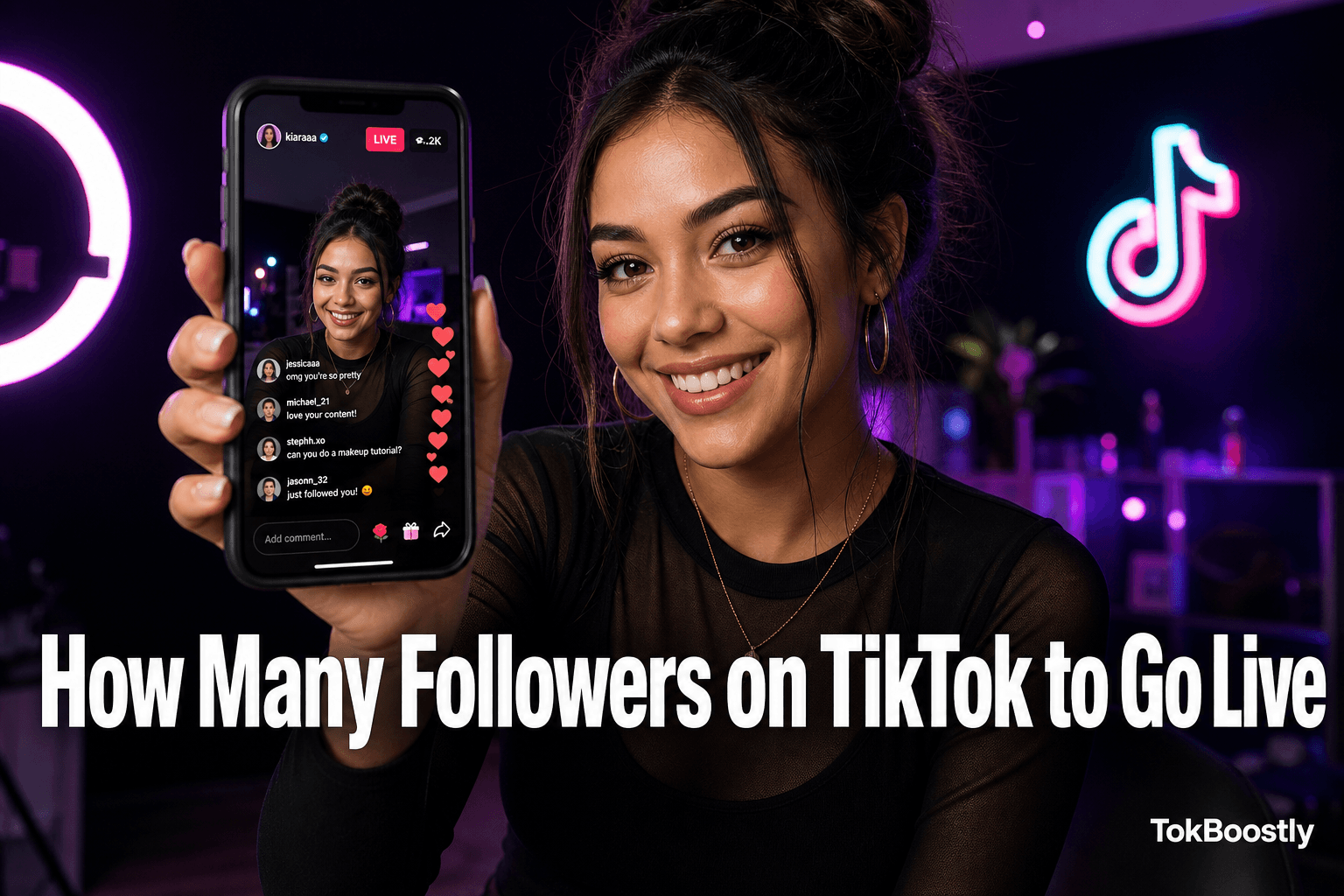
You are ready to go LIVE—but the button is missing. That usually means one thing: you have not met TikTok’s follower or eligibility rules yet.
TikTok LIVE is one of the fastest ways to build trust, answer questions in real time, and convert viewers into loyal followers. This guide explains exactly how many followers you need, what else TikTok checks, and how to unlock LIVE without risky shortcuts.
Whether you are a creator, small business, or marketer, you will get a clear checklist you can act on this week.
What Is TikTok LIVE?
TikTok LIVE is real-time broadcasting inside the TikTok app. You stream from your phone (or eligible desktop tools) while viewers comment, react, and visit your profile.
Unlike short clips, LIVE rewards spontaneity and conversation. You can demo products, host Q&A sessions, collaborate with guests, and build community in ways a fifteen-second video cannot.
Active LIVE creators often see stronger profile visits, notifications, and follow velocity after streams—especially when they pair LIVE with consistent short-form content.
How Many Followers Do You Need to Go Live on TikTok?
The short answer most creators need today: 1,000 followers on the TikTok mobile app. That is the standard threshold TikTok documents for LIVE in supported regions.
Follower count is the first gate—not the only one. Age, account standing, and regional availability also decide whether Go LIVE appears in your create menu.
LIVE threshold
1,000
followers (typical)
Min. age
16+
18+ for Gifts
Unlock time
48h
after hitting 1,000
Safe growth
100%
no password
The 1,000-Follower Threshold Explained
TikTok uses the 1,000-follower rule to limit LIVE to accounts with some community traction. Under that number, Go LIVE usually does not appear on mobile.
After you cross 1,000, allow up to forty-eight hours and update the app once. If the button is still missing, check age and account status before assuming a bug.
Follower quality matters too. A profile with 1,050 engaged followers often looks healthier than 5,000 inactive followers and zero comments.
Age Requirements for TikTok LIVE
You must be at least 16 years old to go LIVE in most markets. To receive virtual Gifts during a stream, TikTok typically requires you to be 18 or older.
Confirm your birthdate in TikTok settings. Incorrect age information can hide LIVE even when your follower count qualifies.
Monetized LIVE plans should always be cross-checked against TikTok’s official Help Center—policies can change by region.
Account Standing and LIVE Access
Community Guidelines compliance is non-negotiable. Strikes, copyright issues, or dangerous behavior on LIVE can remove access—even above 1,000 followers.
Think of it as two locks: follower count opens the door; account health keeps it unlocked.
If you recently received a restriction, resolve it before investing in a big LIVE launch.
TikTok LIVE Requirements
Use this section as your pre-flight checklist. TikTok evaluates more than a single number before enabling LIVE.
The table and bullet list below summarize what most creators need in 2026. Verify details in TikTok’s Help Center if your app behaves differently after an update.
- At least 1,000 followers (standard mobile threshold).
- Minimum age 16 to broadcast; 18+ to receive Gifts where available.
- Community Guidelines compliance with no active LIVE restrictions.
- Updated TikTok app from an official store in a supported region.
- Verified age or identity if TikTok prompts you.
- Eligible monetization enrollment for Gift revenue during LIVE.
| Requirement | Needed? |
|---|---|
| Followers | 1,000+ (standard mobile LIVE threshold) |
| Minimum age | 16+ to go LIVE; 18+ to receive Gifts |
| Community guidelines | Yes — account must be in good standing |
| Account status | No active LIVE bans or major violations |
| Country availability | LIVE supported in your region (varies) |
| LIVE Gifts requirement | 18+ plus eligible monetization enrollment |
Can You Go LIVE Without 1,000 Followers?
For most users, no—plan on 1,000 followers before you rely on LIVE for launches or brand campaigns.
TikTok has tested lower limits with small user groups. Those rollouts are temporary and not something you should count on.
Common Myths About Unlocking LIVE
Myth: changing your device region unlocks LIVE. Reality: that can violate terms and cause payment or tax issues if you monetize.
Myth: buying fake followers unlocks LIVE instantly. Reality: low-quality spikes risk audits and do not replace guideline compliance.
Myth: third-party apps bypass requirements. Reality: mobile LIVE access still depends on eligibility on your TikTok account.
What You Can Do Before 1,000 Followers
Post consistently, improve hooks, reply to comments, and strengthen your bio and pinned videos.
Build toward LIVE with content—not gray-area tricks. Explore growth guides on the TokBoostly blog for followers, likes, views, comments, and shares.
Track weekly net follower change. When growth trends up, reaching 1,000 feels predictable instead of random.
Country-Specific LIVE Rules
TikTok rolls out LIVE gradually. Availability, Gifts, and desktop tools can differ by country and account type.
If a creator in another region went live with fewer followers years ago, that does not guarantee the same rule for your account today.
LIVE Availability by Region
United States, United Kingdom, Canada, Australia, and most of Europe generally support mobile LIVE at the 1,000-follower threshold.
Some markets receive features later or with extra verification steps. Travel or SIM changes can temporarily shift what you see in the app.
Business and organization accounts may see slightly different creator tools—confirm inside your TikTok settings.
Gifts and Monetization by Country
Virtual Gifts during LIVE usually require you to be 18+ and enrolled in eligible monetization programs.
Gift availability and payout rules vary by country. Do not promise monetized LIVE to your audience until your account shows gifting enabled.
Desktop tools like LIVE Studio are add-ons in select regions—they do not replace mobile eligibility requirements.
Benefits of Going LIVE on TikTok
LIVE compresses the trust timeline. One real-time session can convert curious viewers faster than three polished clips.
You can answer objections live, demo products, and show personality without heavy editing.
Broadcasters who stream on a schedule often see spillover growth on regular posts through notifications and profile visits.
Real-time trust: viewers hear your unedited voice and reactions.
Deeper engagement: LIVE comments build community faster than feed-only posts.
Profile growth: notifications and post-stream visits convert into followers.
Brand opportunities: sponsors value creators who host live Q&A or demos.
Content recycling: clip highlights into short videos for the For You funnel.
Monetization: Gifts and live shopping where TikTok makes them available.
LIVE vs Short-Form Video: What Grows Faster?
Short-form video is best for discovery on the For You page. LIVE is best for depth, trust, and community.
The strongest accounts use both: clips find new people; LIVE turns them into repeat viewers and followers.
Neither replaces the other—they cover different parts of the growth funnel.
| Factor | Short-form video | TikTok LIVE |
|---|---|---|
| Primary goal | Discovery on For You | Trust and community depth |
| Best format | Short clips | Real-time Q&A and demos |
| Follower impact | Slow trust build | Faster follow conversion |
| Ideal use | Top-of-funnel reach | Mid-funnel relationship |
How to Reach 1,000 TikTok Followers Faster
There is no honest shortcut around valuable content—but you can move faster with a focused plan.
Prioritize follower conversion, not vanity views, so the audience you build actually shows up when you go LIVE.
When your profile looks active, transparent follower packages on TokBoostly can support social proof during pushes—always paired with real posting.
- 1
Optimise your profile for follows
Clarify your niche in the bio, pin three strong videos, and give one clear reason to follow.
- 2
Post on a sustainable schedule
Aim for five to seven posts per week. Consistency beats occasional viral spikes for reaching 1,000.
- 3
Master the three-second hook
Open with tension, a bold claim, or motion. Retention in the first seconds drives discovery.
- 4
Engage in the first hour
Reply to comments quickly after publishing. Early engagement signals an active creator.
- 5
Use niche hashtags and on-screen keywords
Layer one broad and one or two niche tags. Speak topic keywords aloud in your script.
- 6
Collaborate with similar-sized creators
Duets and stitches expose your profile to warm audiences in your topic.
- 7
Add credible growth support at launch moments
When content is strong, modest packages can strengthen social proof—never replace posting.
Close to 1,000? Strengthen profile credibility while you keep posting.
Explore follower packagesFix Your Profile Before You Chase Views
Clarify your niche in the bio. Pin three videos that showcase your best hooks.
Tell new visitors exactly why they should follow—one sentence, one promise.
A profile that converts turns the same views into more followers and gets you to LIVE sooner.
Content and Engagement Tactics That Convert
Post five to seven times per week in competitive niches. Consistency beats occasional viral spikes.
Master the three-second hook: tension, bold claim, or visual motion in frame one.
Reply to comments in the first hour after publishing. Early engagement signals an active creator worth following.
Mistakes That Delay LIVE Access
Buying large bursts of low-quality followers can trigger audits or sudden drops. Flat engagement next to a spike hurts trust.
Ignoring Community Guidelines is another common blocker—especially on open-mic or news-reaction LIVE streams.
Running an outdated app, wrong account type, or unverified age can hide LIVE tools even when you qualify on paper.
Tips Before Starting Your First LIVE
Outline three beats: opening hook, core value, and closing call to action. Tell viewers in the first sixty seconds why they should stay.
Charge your phone, test Wi‑Fi or LTE, and use face-level lighting. Vertical framing with a clean background beats a busy room.
Engage chat like a co-host—say usernames aloud and invite notification bells for the next session.
First LIVE Technical Checklist
Update TikTok from an official app store before you schedule the stream.
Pin your bio link and house rules in the LIVE description if you expect product or Q&A traffic.
Save one highlight clip within twenty-four hours to feed your short-form funnel.
Final Thoughts
How many followers on TikTok to go live? For most creators, the answer is 1,000—plus age 16+, good account standing, and regional support.
Treat LIVE as a milestone you earn with content and community, not a switch you flip with rumors or fake growth.
Reach the threshold with hooks, consistency, and ethical support. Then show up live with a plan—and keep improving one variable each session.